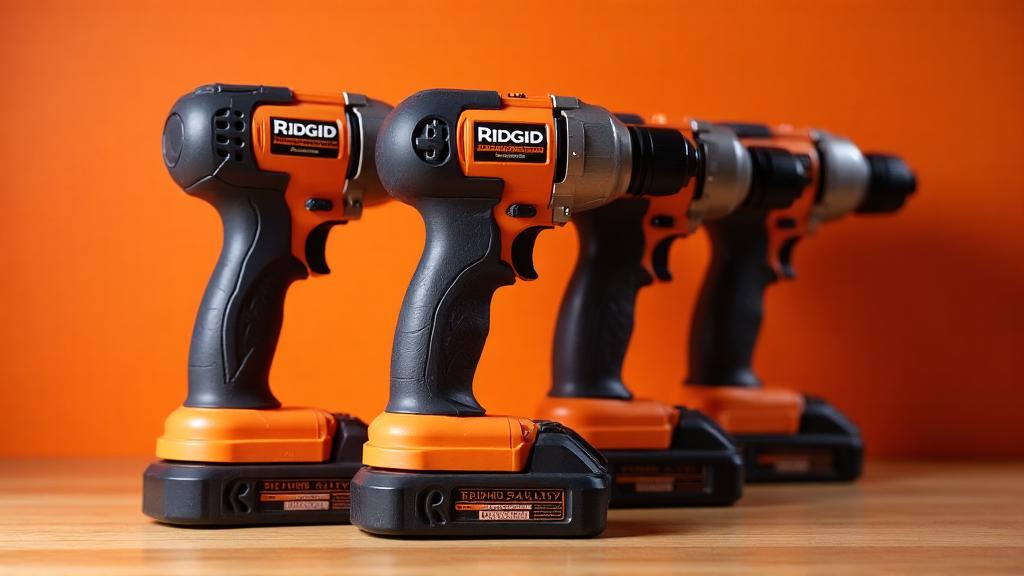
Registering your Ridgid power tool is required to activate the Lifetime Service Agreement (LSA). The official registration center is at register.ridgidpower.com. This guide provides steps to complete the process.
Quick Answer
Go to the Ridgid Registration Center. Create an account or sign in, then select "Register a Tool." Have your tool's model number and proof of purchase (receipt) ready. Registration for the LSA typically takes less than 5 minutes.
Decision Framework: Your Registration Path
Use this framework to determine your correct next step.
| Step | Your Situation | Action to Take |
|---|---|---|
| 1 | New Ridgid power tool, never registered | Go to the Ridgid Registration Center and select "Register a Tool" or "New Registration". |
| 2 | You already have a Ridgid account | Sign in to your account at register.ridgidpower.com. Then select "Register a Tool" from your dashboard. |
| 3 | You need to register a professional Ridgid tool (e.g., camera system, pressing tool, drain cleaner, wet/dry vac) | Visit www.ridgid.com/us/en/sign-in and follow the link to register such tools. |
| 4 | You are replacing a registered tool | Use the "Replacement Registration" option in the Service and Support menu of the Registration Center. |
| 5 | You have a different brand named "Rigid" (e.g., Rigid Industries LED lights) | Do not use the Ridgid power tools site. Go to the specific brand's site, such as www.rigidindustries.com/product-registration for LED products. |
Main Explanation: Step-by-Step Registration
The following steps detail the standard process for registering a new Ridgid power tool to activate the LSA.
1. Prepare Your Materials
Before you begin, gather these items:
- Your Ridgid power tool (or its packaging) to find the model number and date code.
- Proof of purchase (the receipt) from the retailer.
- Personal information (your name, email, and physical address).
2. Navigate to the Registration Center
Go directly to the Ridgid Registration Center at register.ridgidpower.com. The page is titled "RIDGID Powertools:: Login" and displays the Ridgid logo.
3. Create or Sign In to Your Account
- First-time users: Click the "Sign Up" link to create a new account. You will need to provide your email address and create a password.
- Returning users: Click the "Sign In" link and enter your email and password.
4. Register Your Tool
Once signed in, look for the "Register a Tool" option, usually under "My Toolbox" or the main menu. The system guides you through a step-by-step process. You will need to:
- Enter the tool's model number.
- Enter its date code.
- Provide purchase information (store and date).
- Upload or transcribe receipt details.
5. Save Your Receipt
After submitting, you can save your digital receipt in your account's "Saved Receipts" section for future warranty claims.
Practical Takeaways
- Use the correct site: The official registration for Ridgid power tools is at `register.ridgidpower.com`. Do not confuse it with other "Rigid" brand sites.
- Register promptly: The Lifetime Service Agreement requires registration. Register your tool soon after purchase to ensure warranty eligibility.
- Keep your receipt: The physical or digital receipt is crucial evidence of purchase for warranty claims. Store it in your online account or a safe place.
- Check your coverage: After registration, you can view your registered tools and LSA status in your "My Toolbox" dashboard.
- Sign In | RIDGID Tools - https://www.ridgid.com/us/en/sign-in
- RIGID Product Registration - https://www.rigidindustries.com/product-registration
- About LSA - RIDGID Powertools - https://register.ridgidpower.com/about_lsa